Driving a local coding agent from your phone
Claude Code Remote Control, read through DevSecOps, FinOps, and GitOps — with the settings that make it safe
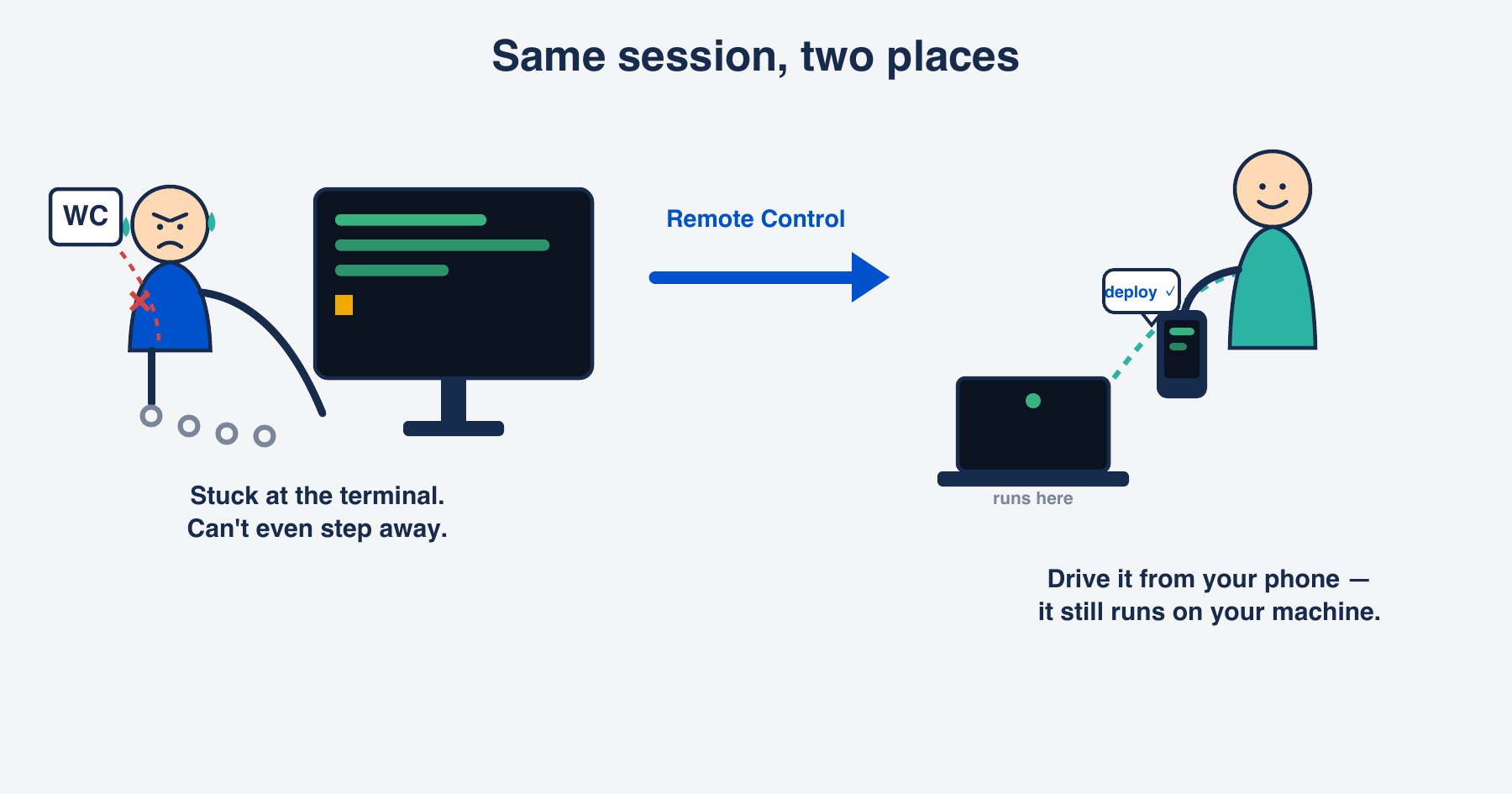
I sent a message to my laptop’s coding-agent session from my phone — by voice — and it executed on my machine. The novelty lasted about five seconds. Then the operator brain took over: whoever holds this channel holds my machine.
This is Claude Code’s Remote Control (research preview at the time of writing). It’s a genuine portability win. It’s also a new control plane, and a control plane deserves the same three reads I’d give any production system: how it fails under attack, what it costs, and whether its configuration is reproducible. DevSecOps, FinOps, GitOps. Here’s the feature, then each lens with settings you can paste.
What it actually is
Remote Control connects claude.ai/code or the Claude mobile app to a Claude Code session running on your machine. You start a task at your desk, then keep going from your phone or another browser. The execution never leaves your laptop — the phone is a window into the local process.
The transport is the reassuring part: your machine makes outbound HTTPS only and never opens an inbound port. It registers with the API and polls for work; traffic runs over TLS with multiple short-lived, single-purpose credentials. There is no socket on your laptop for someone to scan and connect to. That last fact decides everything that follows.
Set it up (about five minutes)
Prerequisites: a Pro or Max plan signed in through claude.ai (API keys aren’t supported), and Claude Code v2.1.51 or later.
- Check the basics. Run
claude --version(need ≥ 2.1.51). If you’re not signed in through claude.ai, run/loginand choose the claude.ai option. Runclaudeonce in your project directory to accept the workspace-trust prompt. - Turn on Remote Control — pick the path that fits:
- Fresh start (clean session): in your project directory, run
claude remote-control. It runs in server mode — stays alive, prints a session URL, and shows a QR code when you press spacebar. (Want a normal interactive session with control already on? Start it withclaude --remote-control.) - Already mid-session: type
/remote-controlto register the session you’re already in — no restart, no lost context. - Every session, automatically:
/config→ set Enable Remote Control for all sessions to true. Convenient — and exactly the exposure the DevSecOps section is about.
- Fresh start (clean session): in your project directory, run
- Get the app and connect. No app yet? Run
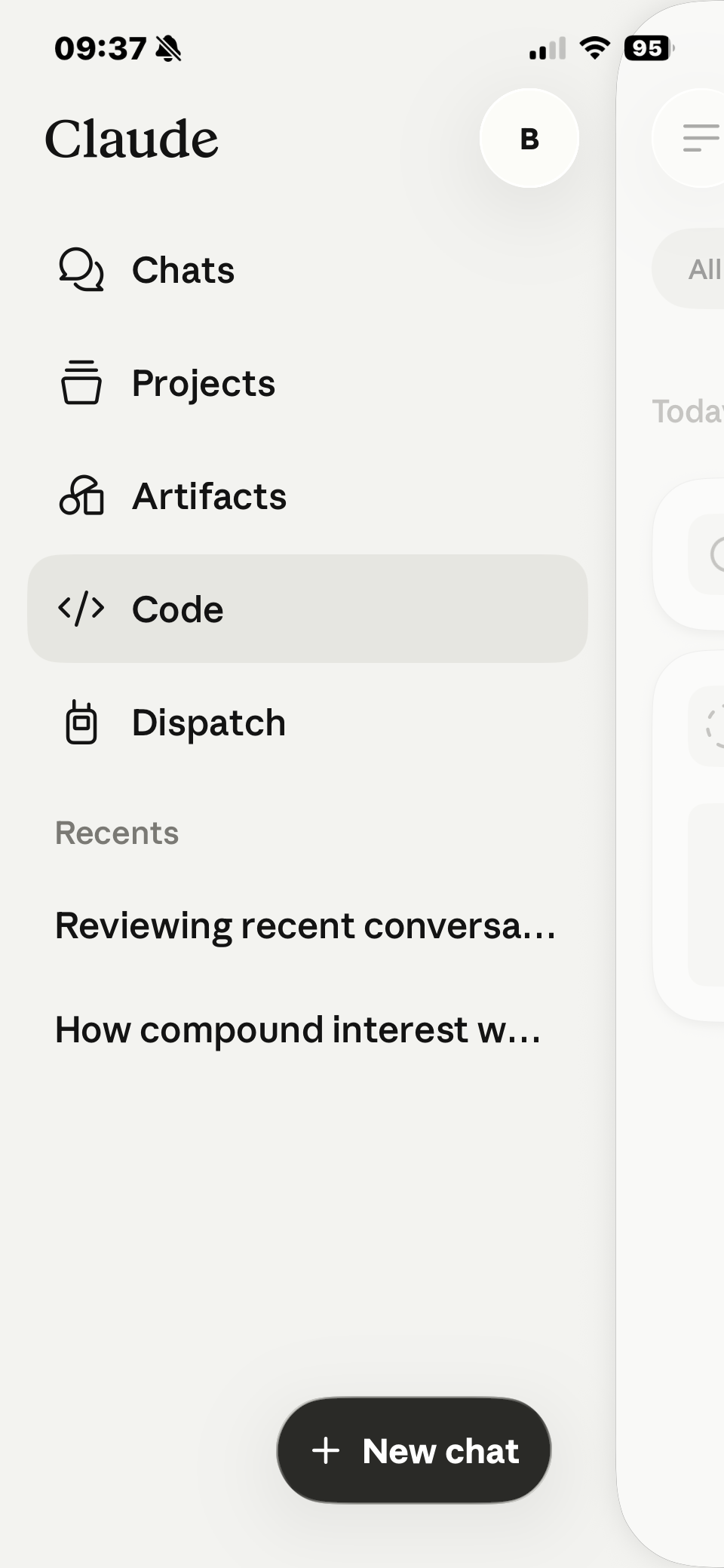
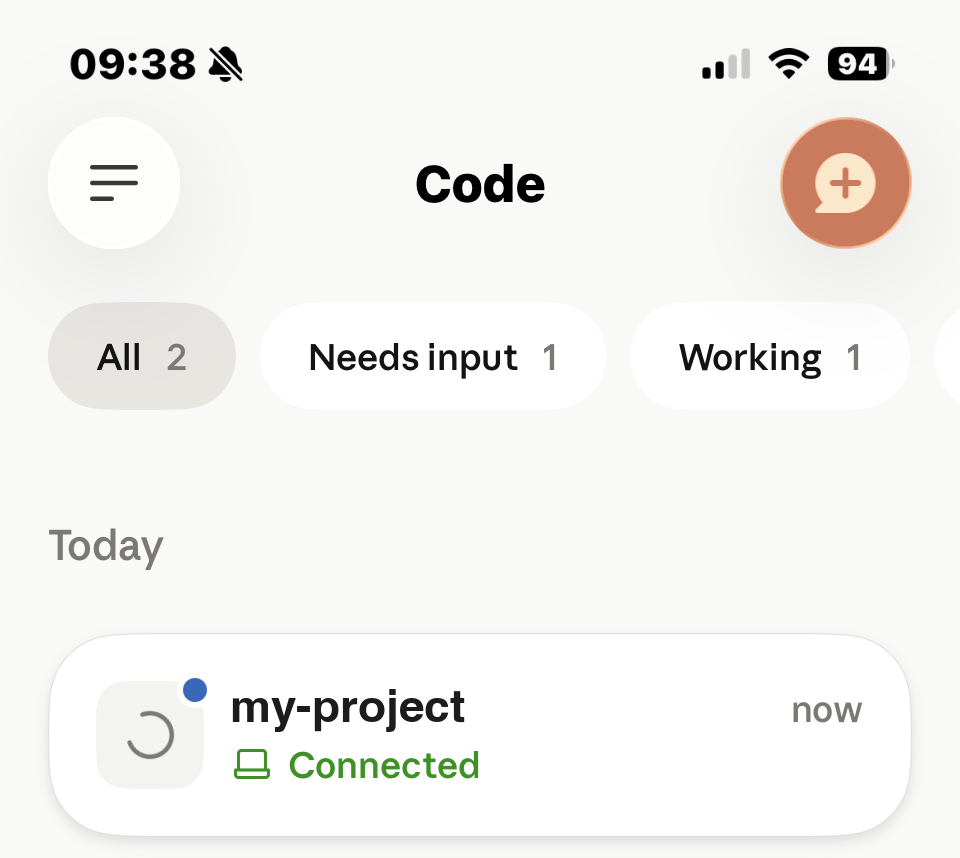
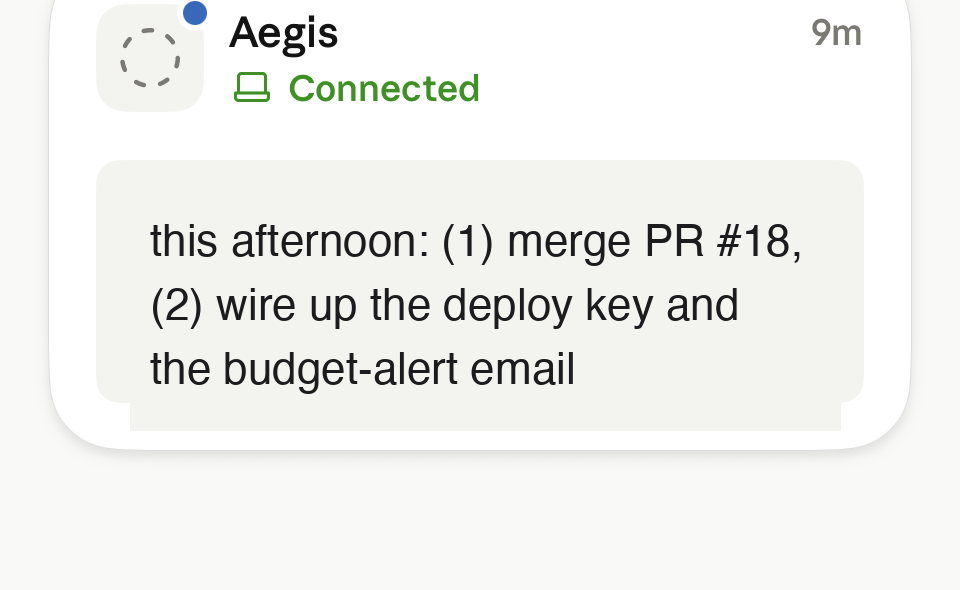
/mobilein the session to show a download QR. Sign in with the same account, then scan the session QR — or open the printed URL in any browser. - Verify it works. In the app, open the Code tab: your session shows a computer icon with a green dot. Send a test message like
hello from phone. It lands in your terminal session and the agent replies — as long as the local session is idle; you can’t submit a new prompt while it’s mid-turn. (That “can’t send while busy” surprised me at first — it’s not a bug.)
DevSecOps: the perimeter moved to your identity
No inbound port means the obvious attack — scan the machine, connect to the port — is gone. So an attacker can’t break the wire. They go after the thing that can reach your session: your account. The perimeter stopped being your network and became your identity.
There’s a second, sharper problem. In a terminal, the permission prompt is an independent check: even if a prompt talks the agent into rm -rf or exfiltrating a file, a human approves at a trusted keyboard. Remote Control lets you approve from the same phone you send from. Issuing the command and approving it now live on one channel. Compromise the channel and you get both — the human gate collapses into the attacker’s hands.
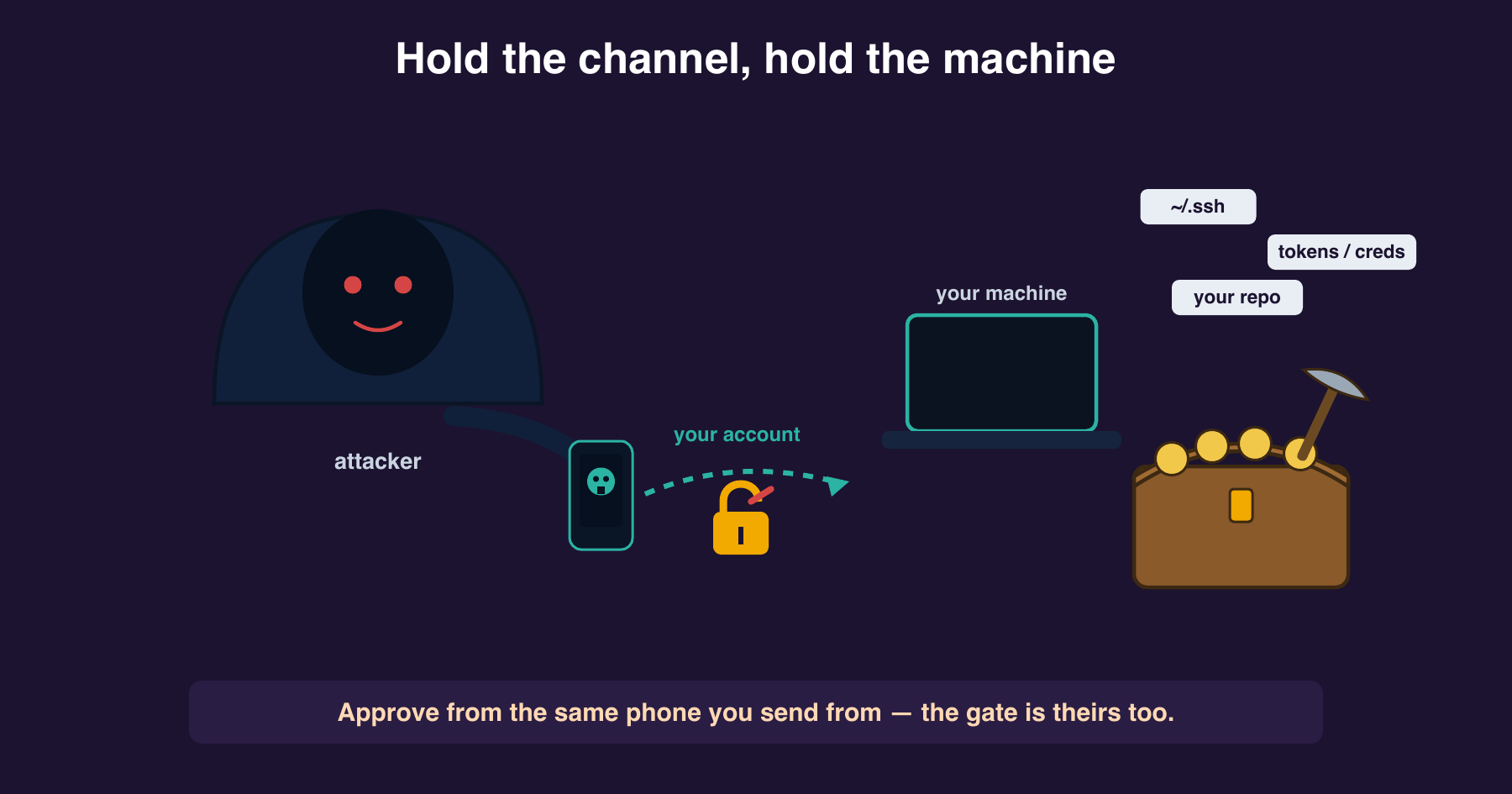
So the defenses are about keeping the channel clean and shrinking what runs without a real gate:
| Risk | Control |
|---|---|
| Account takeover drives your session | MFA on the claude.ai account. This is the highest-value single control. |
| Always-reachable session | Prefer on-demand claude remote-control over the all-sessions toggle. Smaller exposure window. |
| Approval gate is phone-reachable | Never run under bypass-permissions mode; keep destructive commands behind a gate or a hook (below). |
| Broad pre-approvals run with no prompt at all | Audit permissions.allow; move destructive patterns to deny. |
| A push approval you didn’t initiate | Treat it as an intrusion alarm — /logout, rotate, kill the session. |
Concrete settings.json posture:
1
2
3
4
5
6
7
8
9
10
11
{
  "permissions": {
    "deny": [
      "Bash(rm *)",
      "Bash(curl * | *sh)",
      "Bash(git push *)"
    ],
    "defaultMode": "default",
    "disableBypassPermissionsMode": "disable"
  }
}
disableBypassPermissionsMode: "disable" stops anyone — including a driven session — from switching off prompts entirely. defaultMode: "default" keeps the gate on rather than acceptEdits or bypassPermissions.
The strongest control doesn’t trust the human gate at all, because we just saw it can collapse. A PreToolUse hook is a deterministic check that runs before every matched tool call, regardless of who approves:
1
2
3
4
5
6
7
8
9
10
11
12
{
  "hooks": {
    "PreToolUse": [
      {
        "matcher": "Bash",
        "hooks": [
          { "type": "command", "command": "${CLAUDE_PROJECT_DIR}/.claude/hooks/guard-bash.sh" }
        ]
      }
    ]
  }
}
1
2
3
4
5
6
7
8
9
#!/bin/bash
# .claude/hooks/guard-bash.sh — blocks destructive commands no matter who approved
cmd=$(jq -r '.tool_input.command' < /dev/stdin)
case "$cmd" in
  rm\ -rf*|*"| sh"|*"| bash"|*"/etc/passwd"*|*".ssh"*|*".aws/credentials"*)
    echo "Blocked by guard-bash: $cmd" >&2
    exit 2 ;;   # exit 2 blocks the tool call
esac
exit 0
The hook fires for both you and an attacker. It’s the one control on this list that doesn’t assume the human in the loop is you.
For untrusted work, add isolation at the source: claude remote-control --sandbox runs the session with filesystem and network isolation.
FinOps: the cost surface of an always-available agent
This lens is thinner for a personal tool than for cloud infrastructure, and I won’t pretend otherwise. But agent sessions spend a real budget — tokens and plan quota — and “available from your phone” quietly enlarges the surface.
- An always-on session invites more, longer sessions. The all-sessions toggle that worried DevSecOps also raises spend. On-demand is a cost control, not only a security one.
- Background work accrues silently. Scheduled tasks and dispatched jobs consume quota while you’re not watching. Scope them; don’t leave an auto-approving loop running.
- Watch it from the device you’re on.
/usageand/usage-creditswork from mobile and web — check spend without going back to the terminal. - Local execution adds no cloud runtime. Remote Control runs on a machine you already pay for; the cloud alternative (Claude Code on the web) spins managed compute. If the laptop is already on, local is the cheaper locus.
The FinOps move here is unglamorous: prefer on-demand, scope background jobs, and keep /usage in view.
GitOps: make the agent’s configuration declarative
The security posture above is only worth anything if it’s reproducible and reviewable. That’s a GitOps problem, and the fix is the same as for any infrastructure: declare it in version control, don’t click it into existence.
- Commit the posture to
.claude/settings.json(project, git-tracked), not.claude/settings.local.json(gitignored, drifts). Yourpermissions,denylist,defaultMode, and hooks then live as a reviewable, reproducible artifact. Configuring through/configalone writes to local settings — convenient, invisible to review, gone on a fresh clone. - Isolate agent work on a branch.
claude remote-control --spawn worktreegives each session its own git worktree, so concurrent or remote-driven work doesn’t collide and every change is tied to a branch. - Route agent changes through a diff, not a direct mutation. Review the diff, then merge — the agent proposes, git records, you reconcile. The same “review before apply” you’d want from any automated actor.
The settings file is the agent’s control plane. Treating it like one — declarative, committed, peer-reviewed — is what turns “a clever feature I clicked on” into “a posture I can reason about and roll back.”
The one-line version
| Lens | The question | The move |
|---|---|---|
| DevSecOps | Who can reach the session, and what runs without a real gate? | MFA, on-demand, deny destructive, a PreToolUse guard hook |
| FinOps | What does always-available cost in quota? | On-demand, scope background jobs, watch /usage |
| GitOps | Is the posture reproducible? | Commit settings.json, --spawn worktree, changes via diff |
Remote Control is a real convenience — I’ll keep using it. But the discipline isn’t in the feature. It’s in treating the agent’s control plane the way you’d treat any production one: identity at the perimeter, cost in view, configuration in git.
Verified against the official Claude Code docs (Remote Control, Settings, Hooks) on 2026-06-02. Remote Control is a research preview; treat specifics as a moving target and check the docs.